How to Get Cited in Google AI Overviews and AI Mode
On this page
To be cited in Google AI Overviews or AI Mode, a page must be indexed and eligible to appear with a snippet, your site must be included in Search generative AI features in Search Console, and the page must be one of the most helpful sources for the question. Google says no other technical requirements or special markup are needed.
That sounds simple, and in a sense it is. There is no secret AI Overviews tag. But there are a few settings that can quietly keep a site out, a new report that finally shows AI impressions, and a clear pattern in the kind of content Google says it wants. This guide walks through each.
What are AI Overviews and AI Mode?
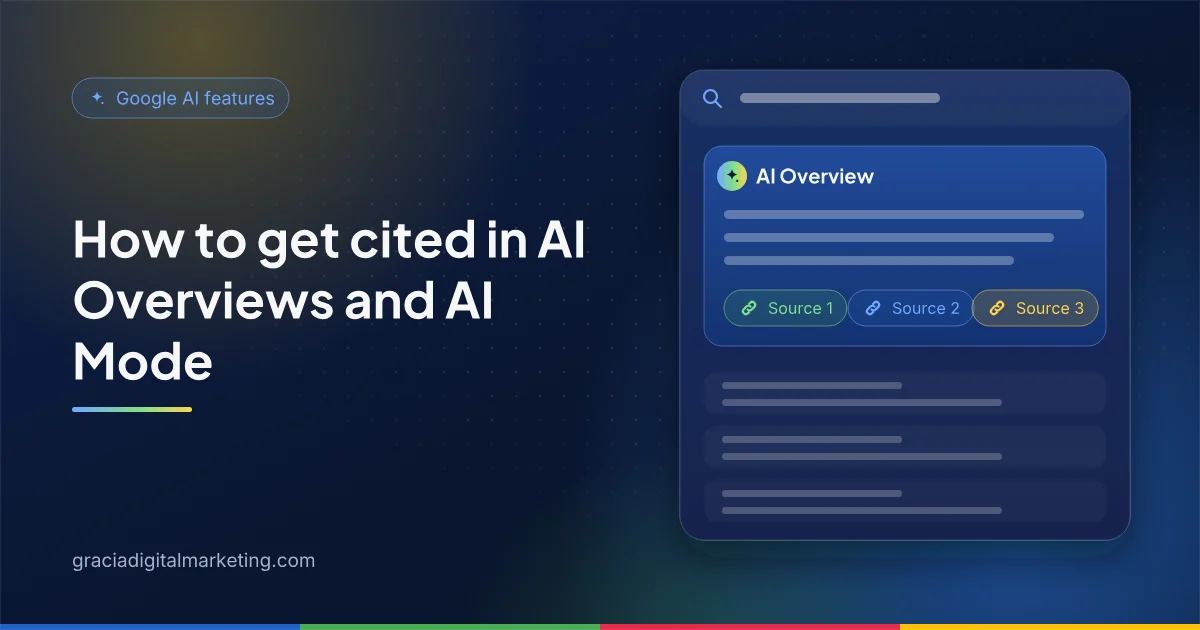
AI Overviews are AI-generated summaries shown at the top of some Google results. AI Mode is a separate, conversational search experience for complex questions. Both show links to the web pages that support the answer.
Google describes AI Overviews as a way to get the gist of a complicated topic quickly, shown only when its systems decide a summary adds something beyond classic results. That is why many queries never trigger one. AI Mode is designed for queries that need exploration, reasoning or comparisons, the kind of question that used to take several searches. Google also notes the two features may use different models and techniques, so they can show different sources for the same question.
What are the requirements to appear?
Four checks cover it: the page is indexed, it is allowed to show a snippet, Googlebot can crawl it, and the site is included in Search generative AI features.
| Requirement | How to check |
|---|---|
| The page is indexed | URL Inspection in Search Console shows “URL is on Google” |
| The page can show a snippet | No nosnippet or very low max-snippet in the robots meta tag or X-Robots-Tag header |
| Googlebot can crawl it | robots.txt allows Googlebot, and your CDN, firewall or host does not block it |
| The site is included in generative AI features | Search Console, Settings, Search generative AI: “Include” (or inheriting an included parent) |
| The page follows Google’s policies | No spam policy issues or manual actions in Search Console |
The generative AI control is new. Google rolled it out to all websites worldwide on August 31, 2026. Including your site is the default, but it is worth confirming, especially if several people manage your Search Console properties. If a site is excluded, Google says its links and content will not appear in AI Overviews, AI Mode or generative AI features in Discover, and it will receive no traffic or impressions from them.
Even when every box is ticked, Google is clear that indexing and serving are never guaranteed.
How does Google choose which pages to link?
Google retrieves supporting pages with its normal Search systems and may fan a question out into several related searches. Pages that answer one of those subtopics best can be linked.
Google calls this “query fan-out”: issuing multiple related searches across subtopics and data sources to develop a response. A question such as “how should a B2B SaaS company price an enterprise plan?” might fan out into searches about pricing models, procurement expectations and contract terms. Each subtopic is a chance for a different page to be cited.
That suggests covering a topic thoroughly on a strong page, including the follow-up questions a buyer would ask. It does not mean creating a separate thin page for every possible fan-out query. Google’s AI optimization guide warns that producing many pages mainly to manipulate rankings or AI responses violates its scaled content abuse policy.
What kind of content earns AI Overview citations?
Original, specific, people-first content. Google says unique, valuable, “non-commodity” content will likely influence your presence in generative AI search more than anything else.
Commodity content restates what is already everywhere. Non-commodity content adds something only you can: first-hand experience, a clear point of view, original examples or data you actually own. For a B2B company that can mean:
- How implementation really works with your product or service, step by step, including what can go wrong.
- Honest comparisons of approaches, with the trade-offs explained for different company sizes or industries.
- Explanations of how your pricing model works and what drives cost, even if you do not publish a price list.
- Definitions and explanations written by people who do the work, with their names and roles visible.
Structure still helps readers and machines. Use descriptive, question-style headings, put the direct answer first and support it with lists or tables where they genuinely make things clearer. Our guide to answer-first content shows the pattern. Google also lists supporting text with good images and video, keeping important content in text form, internal linking and a good page experience among the fundamentals that remain worthwhile.
What should you avoid?
Skip the shortcuts Google says it ignores, and avoid anything that looks like manipulation.
- Special AI files. Google Search does not use llms.txt or similar files. They neither help nor hurt in Google Search.
- Chunking for its own sake. There is no requirement to break content into tiny pieces; Google says its systems understand pages that cover several topics.
- Rewriting just for AI. AI systems understand synonyms, so you do not need every long-tail variation.
- Buying or faking mentions. Google says seeking inauthentic mentions is not as helpful as it might seem, and its spam systems apply to AI responses too.
- Overfocusing on schema. Structured data is not required for AI features, though it still helps with rich results. See schema markup for AEO.
How do snippet controls affect AI features?
The same preview controls that limit snippets also limit what appears in AI features: nosnippet, data-nosnippet, max-snippet and noindex.
Use them deliberately. A sitewide nosnippet, sometimes added by a plugin or a cautious developer, will make pages ineligible as AI Overview links. data-nosnippet is useful for hiding a specific block, such as an internal note, without affecting the rest of the page. Google adds that robots.txt rules for Googlebot are the control for crawling in Search, while Google-Extended manages use of content for Gemini model training and grounding in Gemini Apps and Vertex AI, and does not affect Search inclusion. Our AI crawler guide explains those tokens.
How do you measure AI Overview and AI Mode visibility?
Use Search Console. AI feature traffic is part of the Performance report’s Web search type, and the Generative AI performance report shows AI impressions by page, country, device and date.
The Generative AI performance report reached all sites on August 31, 2026. It counts an impression each time a link to your site is shown in an AI feature, and lets you filter text queries separately from multimodal searches such as Google Lens. If the report does not appear, Google says the usual reason is too few impressions, or a site excluded from generative AI features. We cover how to combine it with Bing data and CRM attribution in how to measure AEO.
One more signal is worth knowing about. Google’s preferred sources feature, which lets people choose sites they want to see more of, started rolling out to AI Overviews and AI Mode in May 2026.
A 30-day plan for AI Overviews
- Week 1: Confirm the Search generative AI setting, check robots.txt and firewall rules, and scan key templates for
nosnippet. - Week 2: Pull question-style queries from Search Console and group them by topic and buyer stage.
- Week 3: Improve the five pages that should answer your most valuable questions: answer first, cover follow-ups, show who wrote them.
- Week 4: Set a baseline in the Generative AI performance report and review it monthly.
Want a second pair of eyes? Our AEO services cover this end to end, and you can start with a free audit.
Frequently asked questions
Do I need special markup to appear in AI Overviews?
No. Google says there are no additional technical requirements and no special schema.org structured data needed. A page must be indexed and eligible to show with a snippet in Google Search, and your site must be included in Search generative AI features in Search Console.
Where is the Search generative AI control in Search Console?
It is under Settings, then Search generative AI. You can include your site, exclude it, or inherit the setting from a parent property. Including is the default for properties without a parent.
Does blocking Google-Extended remove me from AI Overviews?
No. Google says Google-Extended does not affect inclusion in Google Search. It controls whether content can be used for training Gemini models and for grounding in Gemini Apps and Vertex AI. AI Overviews and AI Mode are managed with the Search generative AI control and normal Search controls such as nosnippet and noindex.
How can I see my AI Overview traffic?
Clicks and impressions from AI Overviews and AI Mode are included in the Search Console Performance report under the Web search type. The Generative AI performance report, available to all sites since August 31, 2026, shows impressions from these features by page, country, device and date.
Why does my page rank well but never appear in AI Overviews?
AI Overviews only show when Google decides they add value, so many queries never trigger one. When they do, Google may run several related searches and pick sources for each subtopic. Check that the page is snippet-eligible and that it answers the specific question directly and in depth.
Sources
- Google Search Central: AI features and your website
- Google Search Central: Optimizing your website for generative AI features on Google Search
- Search Console Help: Search generative AI control
- Search Console Help: Generative AI performance report (Search)
- Google Search Central: Robots meta tag, data-nosnippet and X-Robots-Tag
- Google: Common crawlers, including Google-Extended
- Google Search Central: Latest documentation updates